Print Production
Paper Presets
Start with a standard paper size — the preset gives you dimensions, units, and DPI:
(require '[eido.scene :as scene])

(scene/paper :a4)
;=> {:image/size [21.0 29.7] :image/units :cm :image/dpi 300}

(scene/paper :letter :landscape true)
;=> {:image/size [11.0 8.5] :image/units :in :image/dpi 300}

(scene/paper :a3 :dpi 600)
;=> {:image/size [29.7 42.0] :image/units :cm :image/dpi 600}
Available sizes: :a3, :a4, :a5, :letter, :legal, :tabloid, :square-8.
Real-World Units
Describe geometry in centimeters, millimeters, or inches. with-units converts to pixels before rendering:
(-> (scene/paper :a4)
    (assoc :image/background :white
           :image/nodes
           [{:node/type     :shape/circle
             :circle/center [10.5 14.85]   ;; center of A4 in cm
             :circle/radius 5.0            ;; 5 cm radius
             :style/stroke  {:color :black :width 0.1}}])  ;; 1mm stroke
    scene/with-units
    (eido/render {:output "print.png"}))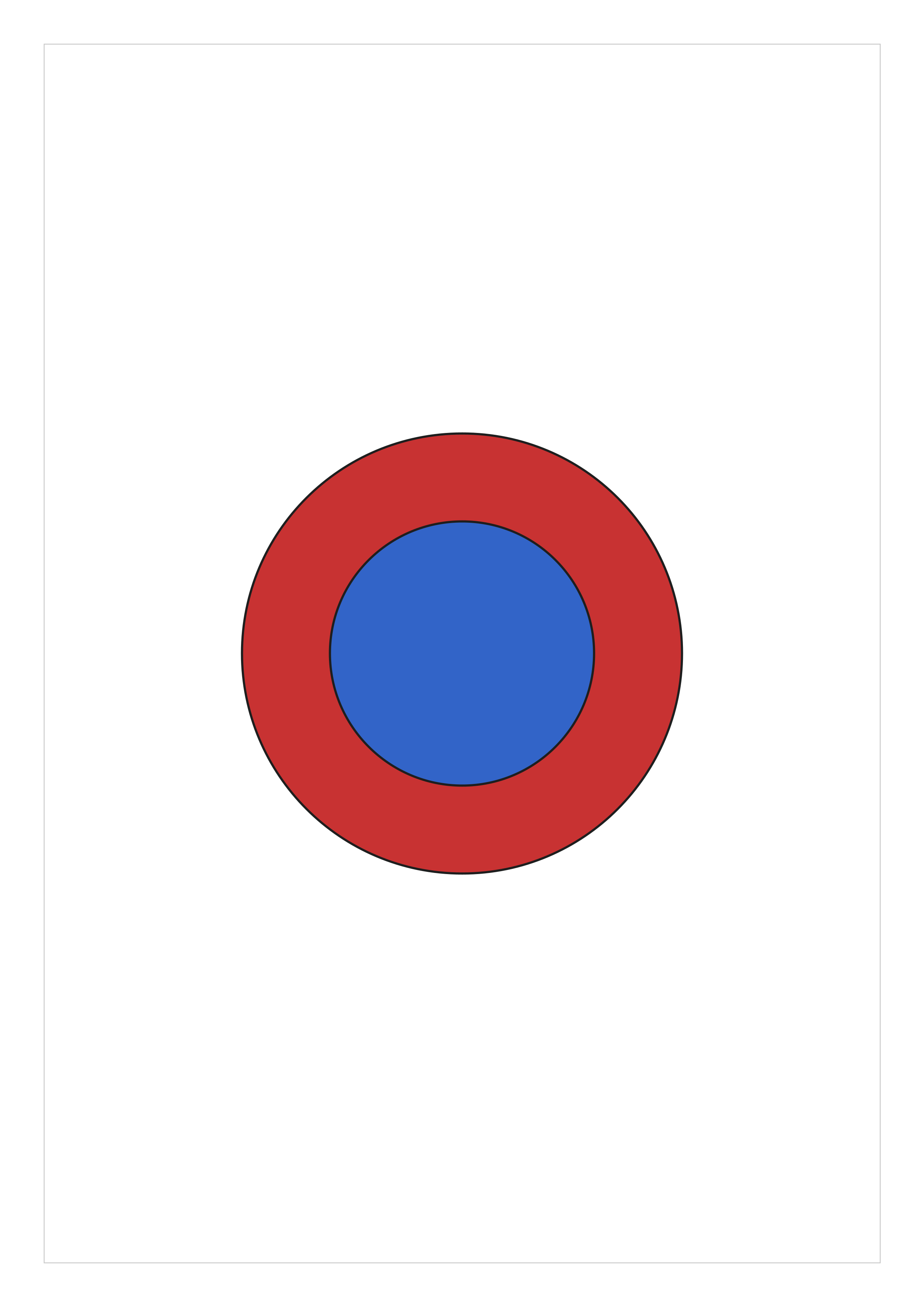
with-units walks the entire scene tree, scaling all spatial values (coordinates, radii, stroke widths, dash patterns, font sizes) while leaving non-spatial values (opacity, angles, colors) untouched.
Margins
Add margins to any scene with with-margin:
(-> (scene/paper :a4)
    (assoc :image/nodes [,,,your artwork,,,])
    (scene/with-margin 2.0)   ;; 2cm margin on all sides
    scene/with-units
    (eido/render {:output "print.png"}))
The margin clips artwork to the inset rectangle, giving you a clean border. Apply it before with-units.
Rendering at Print Resolution
Author in real-world units, convert with with-units, and render to PNG. The pixel dimensions follow from the paper size and the DPI on the scene:
;; A3 at 600 DPI — with-units expands to ~7016 x 9933 px
(-> (scene/paper :a3 :dpi 600)
    (assoc :image/nodes [,,,your artwork,,,])
    scene/with-units
    (eido/render {:output "print.png"}))
Pick the DPI your printer wants on the paper preset before converting units — higher DPI means more pixels and a larger file.